DyePrint
DyePrint

Dye imbibition look development,
every variable exposed

DyePrint is a look development tool that models a 3-strip dye imbibition film process as a DCTL for DaVinci Resolve. Each dye record has independent density and hue controls for complete customization of the look.
Saturation and film finish tools let you build on top of the process to arrive at the look you want.
$50 one-time
The Process

Three dye records,
independent control

The 3-strip dye imbibition process worked by capturing each color channel on a separate monochrome film strip, then transferring Cyan, Magenta, and Yellow dyes onto the final printed layers. DyePrint models this with individual density and hue controls for each dye to build a matrix that shapes the overall color of the image.

Cyan Record

RED channel

Controls red saturation and separation. Higher density pushes more contrast into reds and cyans; lower density softens and pulls them back. The hue trim shifts the record's influence toward green or blue.

Magenta Record

GREEN channel

Controls green saturation and rendering. Pull it back for a cooler, flatter midrange; push it up for richer greens and warmer, denser complexions. Hue bias skews the record toward red or blue.

Yellow Record

BLUE channel

Controls blue saturation and rendering. Lower density gives a cooler, blue-leaning image; higher density warms the grade and compresses blue separation. Hue trim tilts between green-yellow and orange-yellow.

Preset Looks

Starting points

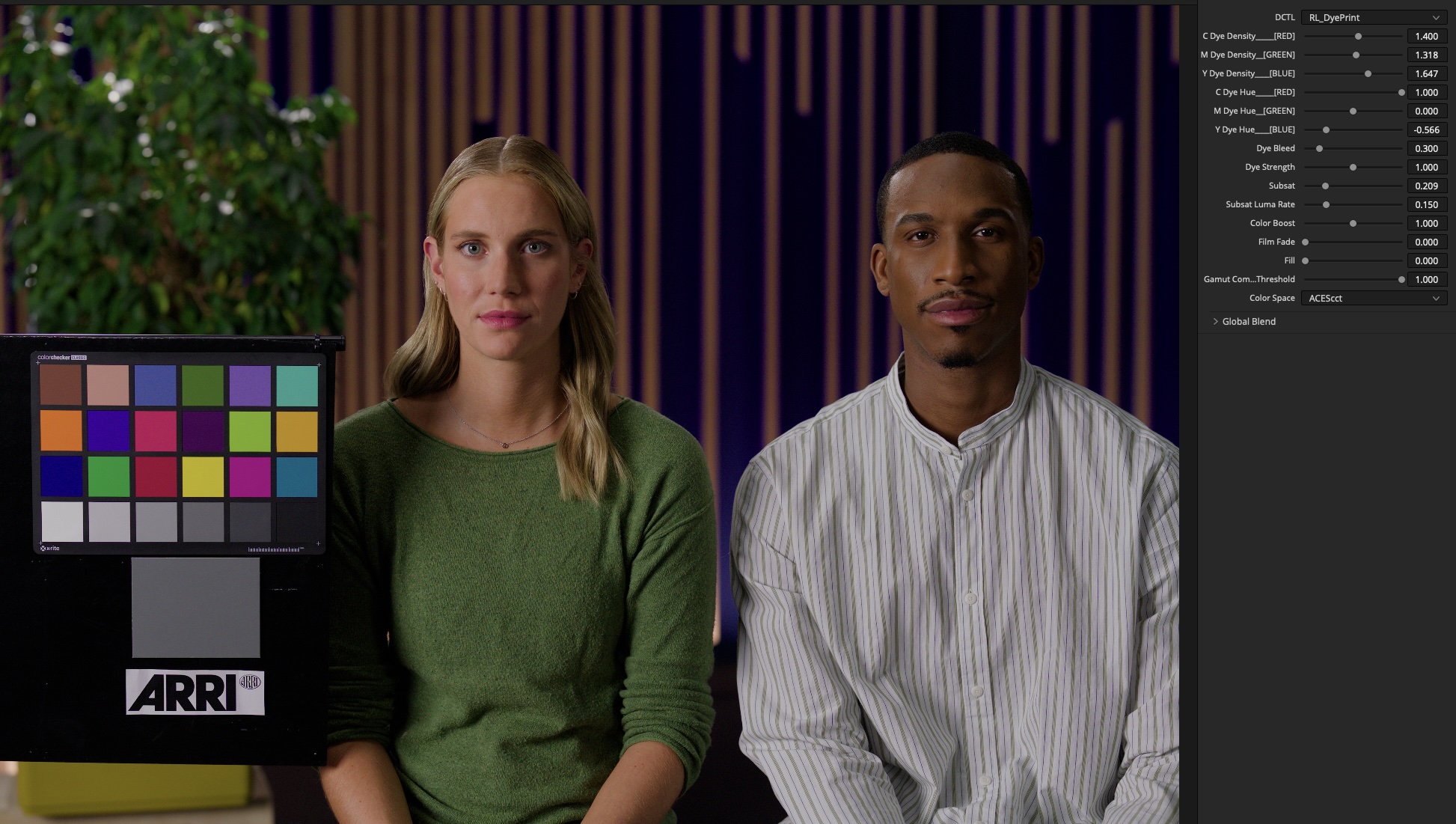
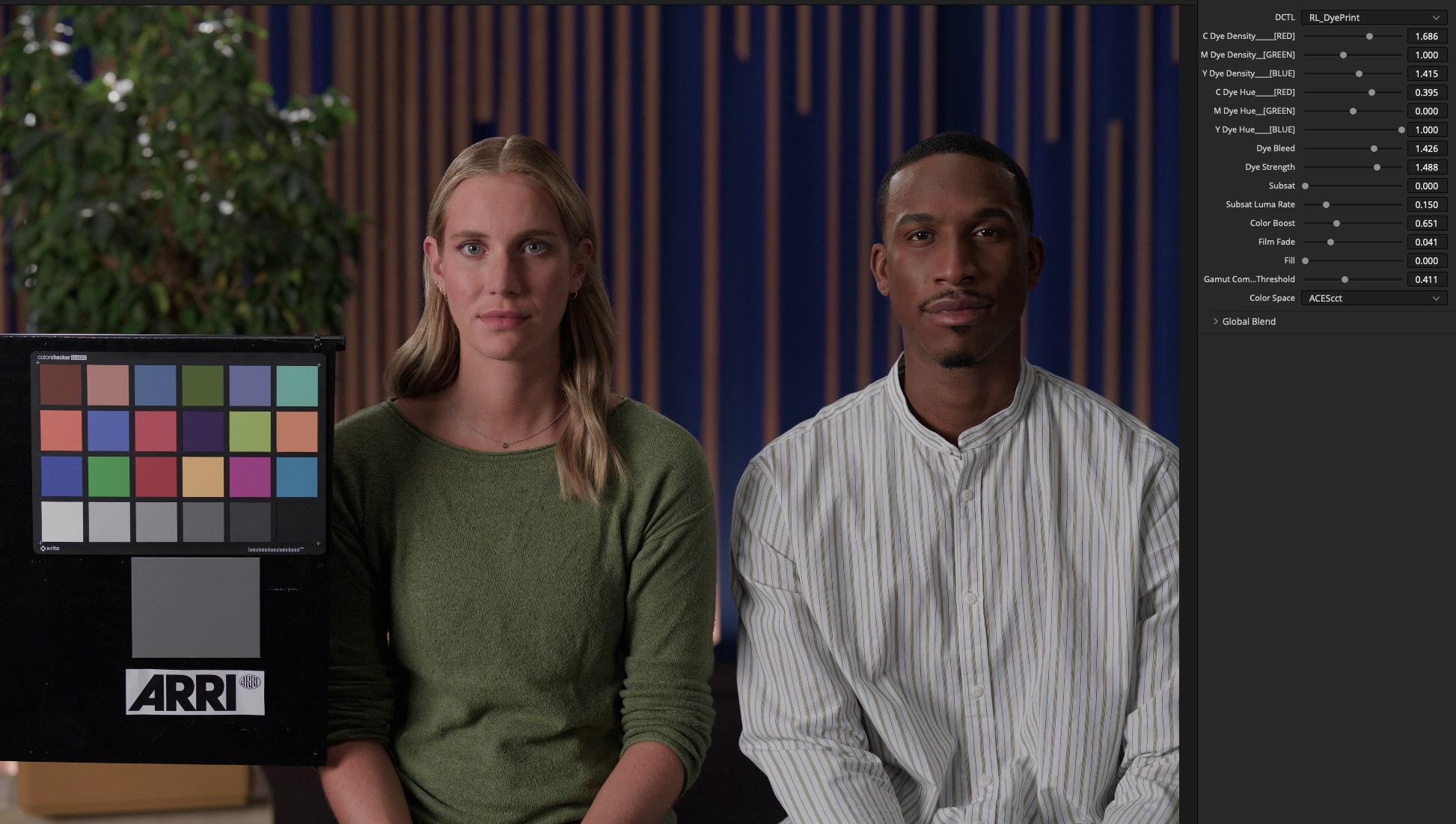
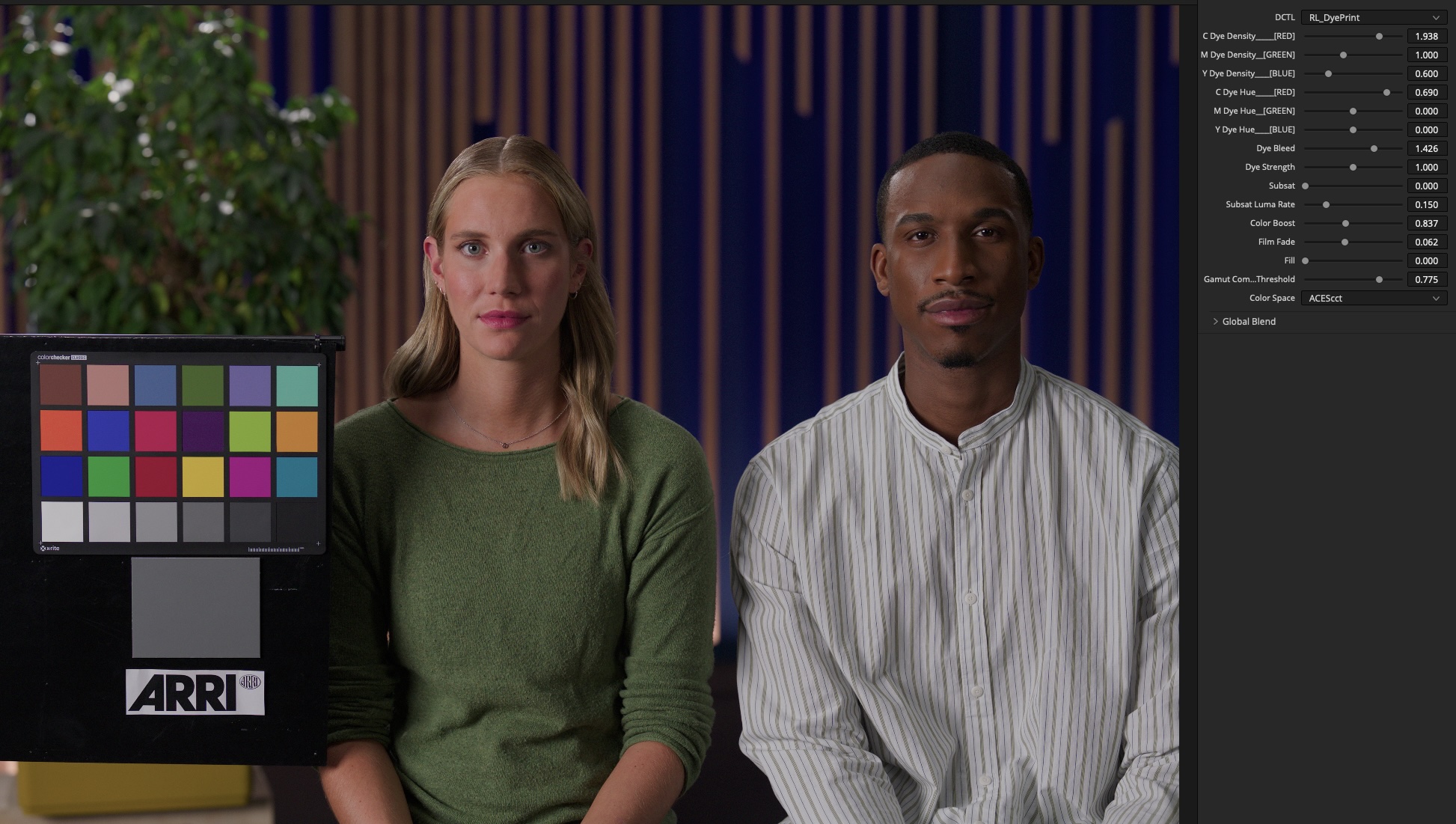
A set of included presets to explore as starting points. Each can be taken further with the individual controls.

Base preset Defaults preset Bold preset Faded preset Vintage preset
ARRI default display transform. No grade applied.

Cross-contamination
between records

In a dye imbibition print, the three dye layers aren't perfectly isolated - each bleeds fractionally into the others. This interaction gives the process a lot of its color character. The Dye Bleed control adjusts how much each record crosses into its neighbours, scaled by the individual density of each layer.

  • Cyan record bleeds into the green and blue channels
  • Magenta record bleeds into red and blue
  • Yellow record bleeds into red and green
  • Bleed amount scales with each record's density setting
  • Set to zero for clean, isolated dye separation
Low bleed

Each channel is printed cleanly from its own record. colors are more separated and the image reads with higher chroma contrast between hues.

Higher bleed

Records mix across channels. The image takes on a warmer, more complex color quality - hues blend at the edges of saturation rather than clipping apart.

Saturation Tools

Subtractive saturation
and color boost

A matrix is built from the dye density, hue, and saturation settings, shaping how color is rendered across the image. Two additional tools work on top of that.

Subsat

Adds saturation and density, weighted around middle-grey. The Luma Rate dial controls the density - how much luma is dropped per unit of saturation.

Color Boost

Increases saturation selectively in areas of low chroma. Fully saturated colors are left alone. Useful for recovering subtle hues that the dye matrix may have compressed or flattened.

Film Finish

Film fade and fill

Two tonal controls that sit at the end of the chain, after the dye matrix and saturation tools. They work in log space, so they behave correctly across all supported color spaces.

Film Fade

Lifts the blacks slightly for faded shadows. Midtones and highlights are not significantly affected.

Fill

A gentle luminance lift that targets the lower midtones. Adds some body to the shadows without clipping or shifting hue. The effect rolls off softly into the highlights and deep shadows.

Color Space Support

Works in your pipeline

DyePrint decodes your log footage to scene-linear, runs all dye operations in linear light, then re-encodes back on the way out. You stay in your native log space throughout.

ACEScct
ARRI LogC3
Cineon Log
DaVinci Intermediate
Gamut Compress

A hue-preserving compression that rolls high-density colors back within the gamut boundary. Avoids hard clipping or hue rotation in heavily saturated grades, while maintaining the desired dye-print look.

Controls

All in one panel

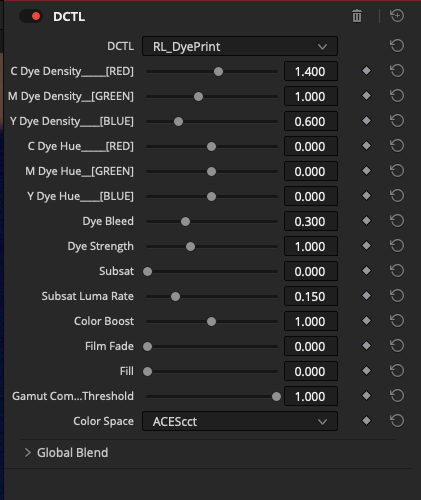
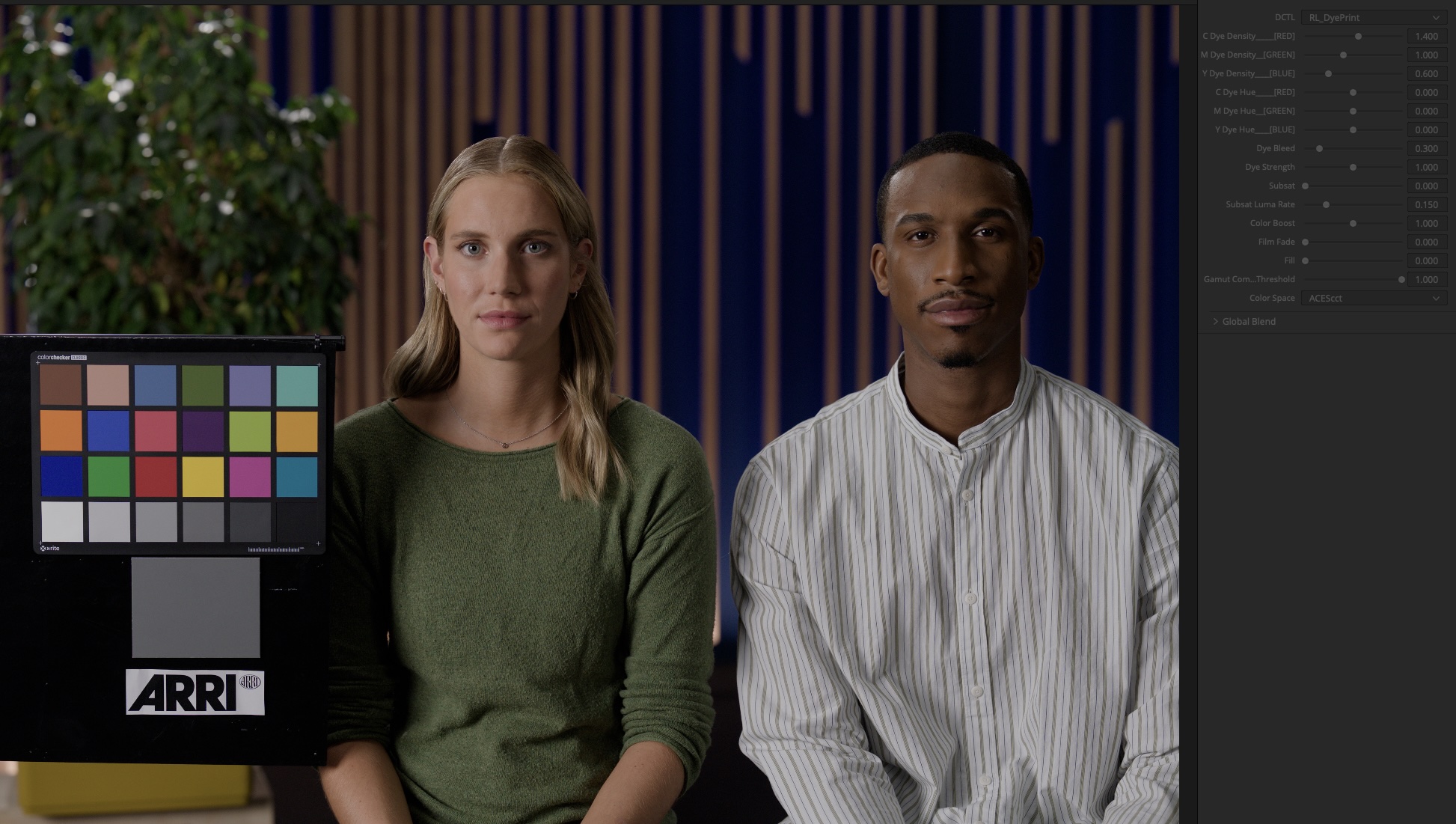
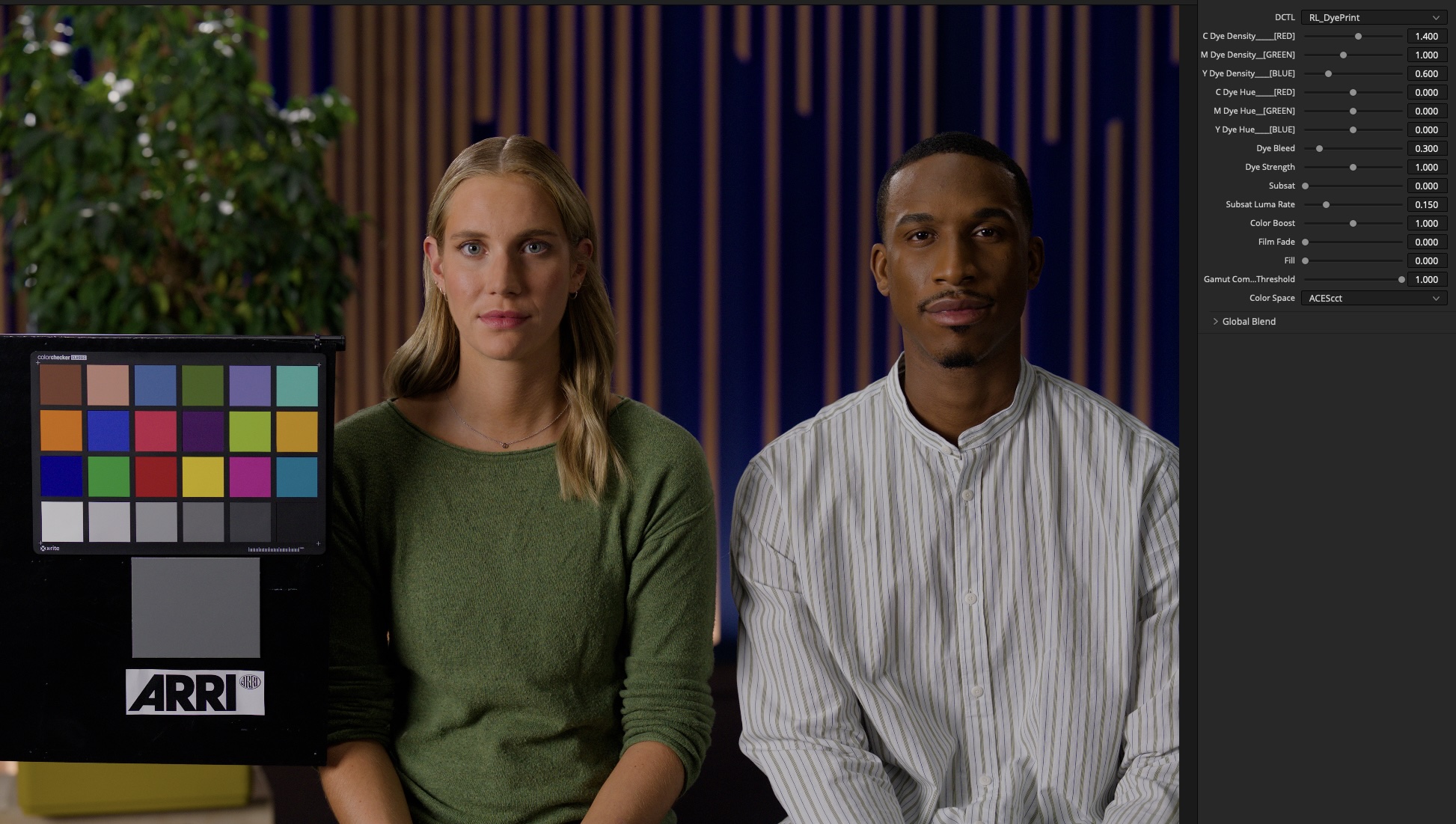
Every dye record, bleed amount, saturation tool, and film finish control is in a single DaVinci Resolve DCTL panel. Set your color space, and start adjusting.

DyePrint plugin interface in DaVinci Resolve
Setup
Color Space Input log color space
Dye Records
C Dye DensityCyan record density
C Dye HueCyan dye hue
M Dye DensityMagenta record density
M Dye HueMagenta dye hue
Y Dye DensityYellow record density
Y Dye HueYellow dye hue
Matrix & Bleed
Dye BleedCross-channel bleed amount
Dye StrengthOverall effect strength
Saturation Tools
SubsatSubtractive saturation
Subsat Luma RateStrength of density for subsat
Color BoostSaturation boost for low-chroma areas
Film Finish
Film FadeBlack lift
FillLower midtone lift
Gamut Compress ThresholdGamut compression strength
Retrograde Labs From Retrograde Labs